Study studioCaption preview
PDF to Brainrot AI Turn PDFs into study videos
Upload a PDF, add a document or paste your notes. Prepare your script, then choose a language, voice and visual style.
Import project
Import a studio project (128 KB max). It stays in this tab until saved. Review the script again; the original PDF is not included.
Add and read your material first (at least 80 readable characters).
Local source draft only: the original wording is kept. No AI rewriting, translation or credits are used.
Video generation is currently unavailable.
PDF, text and photo input
Review against the source
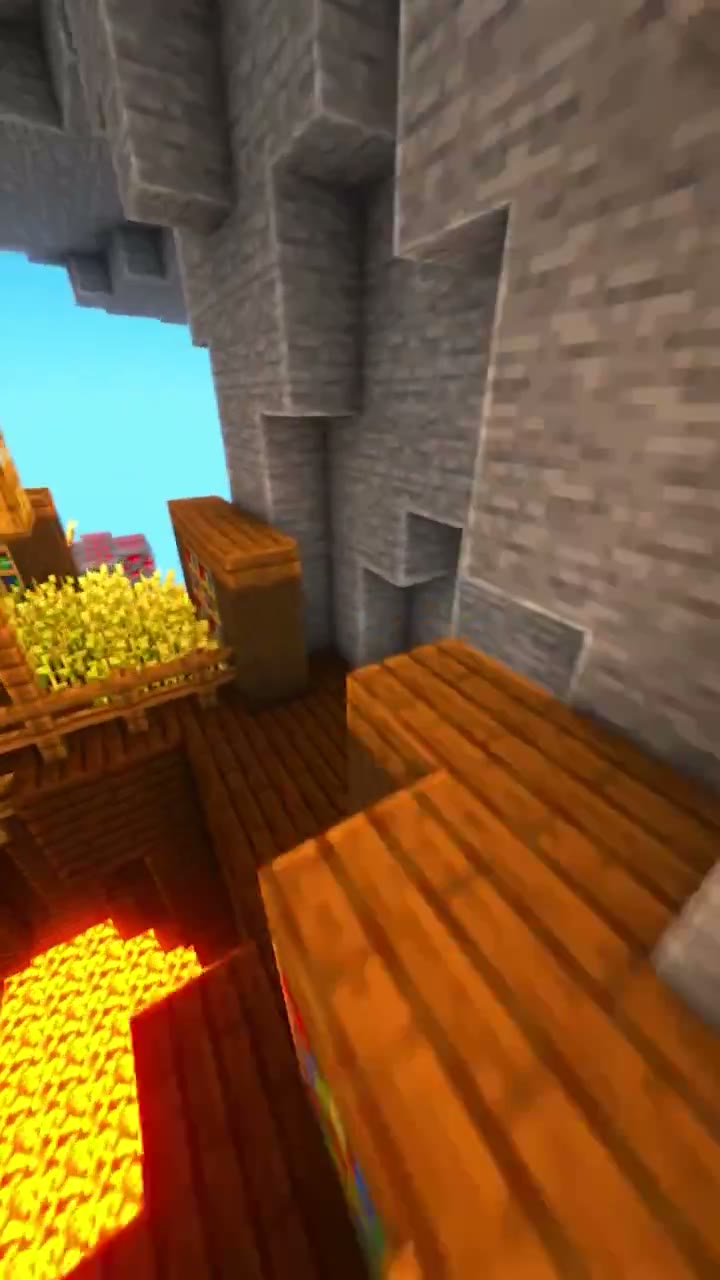
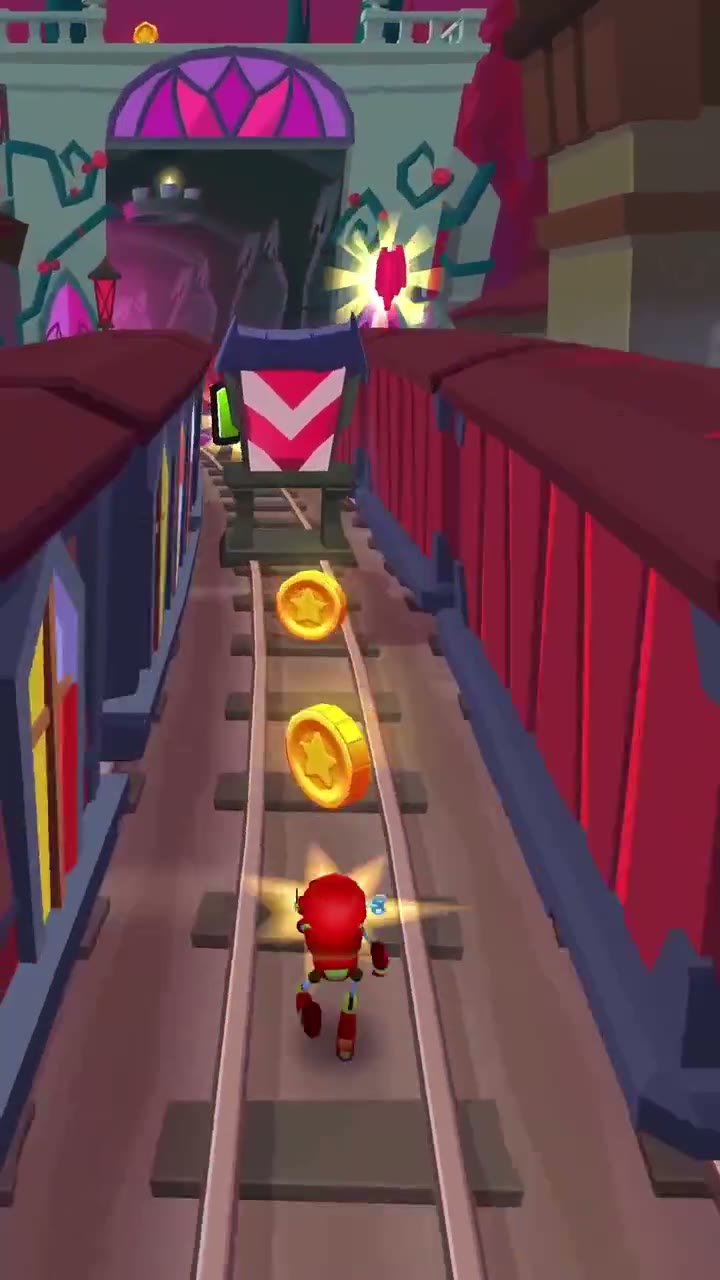
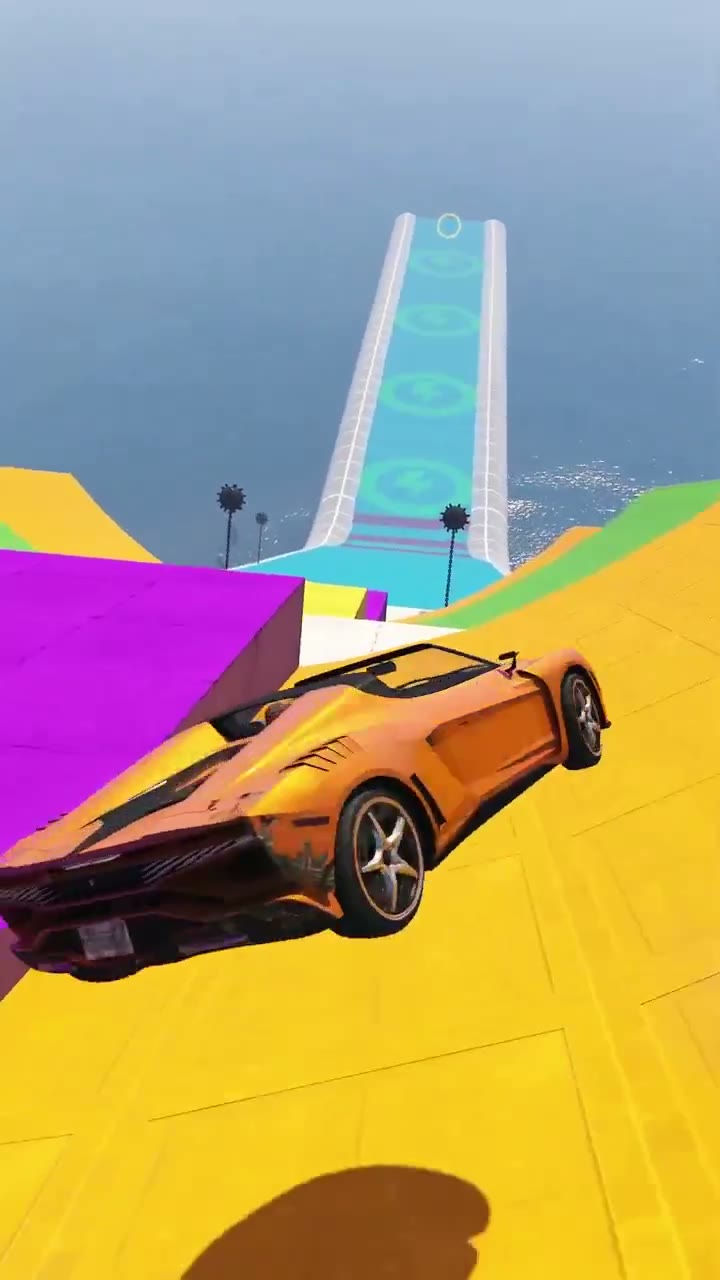
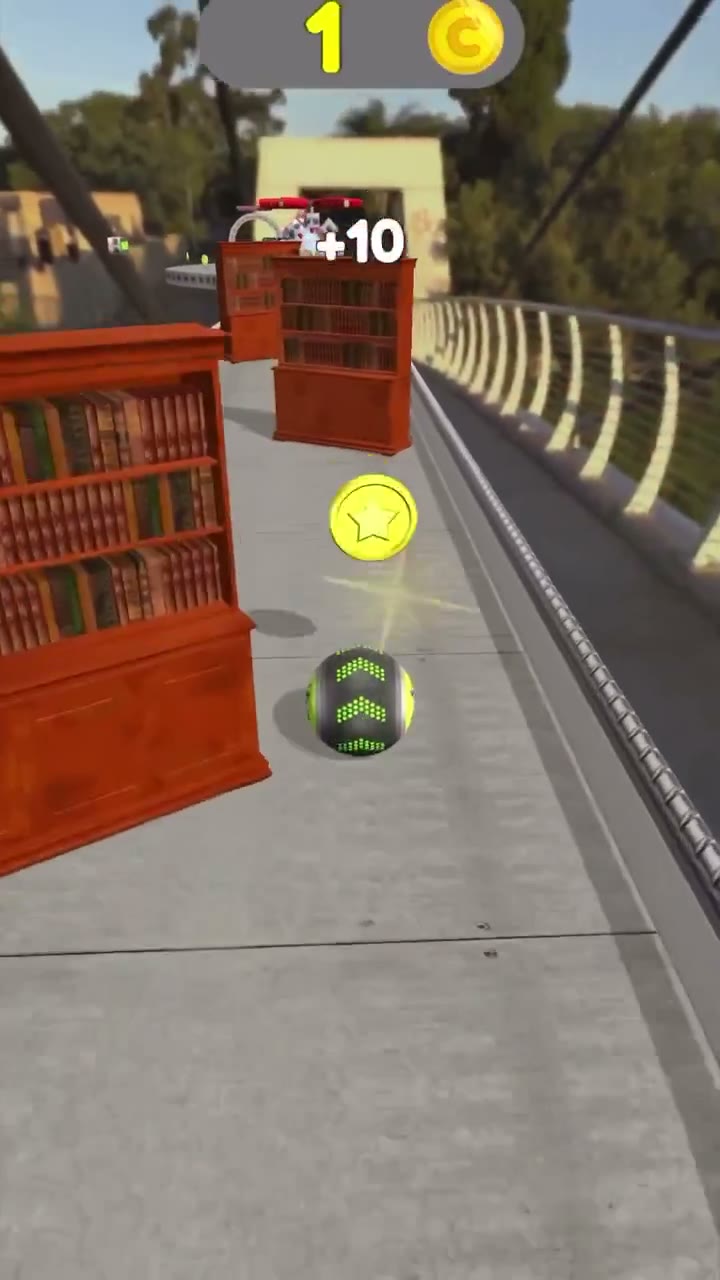
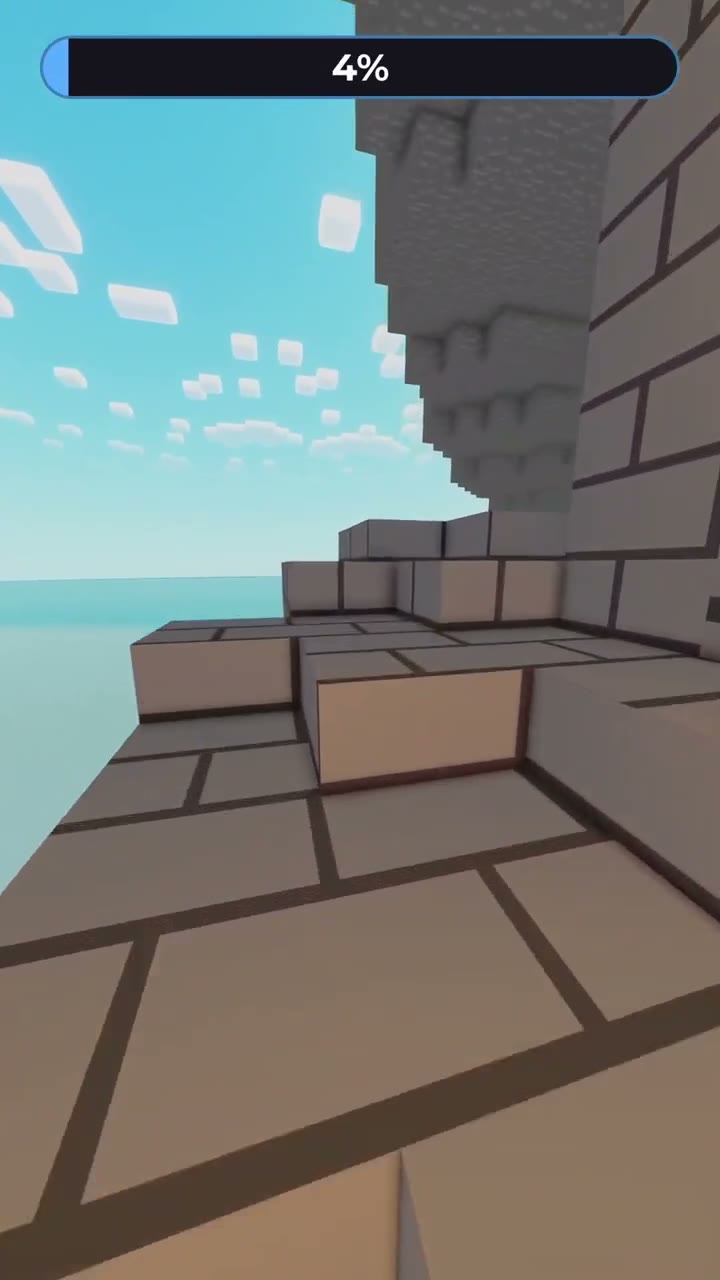
10 gameplay backgrounds
A background for your notes
10 gameplay backgrounds to choose from
Find a portrait background to pair with your script.
What is PDF to Brainrot?
PDF to brainrot pairs a short explanation of your study material with captions, narration and gameplay, making key ideas easier to revisit.
Paste your notes instead of uploading a fileStart with the content
Shape your key ideas, review the script against your source, and choose your language, voice and background.
Read the full guidePrepare your study video in three steps
Add your material
Add a PDF, Word file, slides, text or photos. Select the content you want to explain.
Review your script
Check the draft against the source. Keep the ideas, numbers and conditions that matter.
Choose the video style
Choose an output language, voice style and gameplay background, then review your captions.
A fresh format for your study material
From class notes to full chapters, work at your own pace.
Class notes
Pull together the main ideas from each lesson, with source references for a quick review.
Concept explanations
Break a difficult concept into a clear script, checking names, numbers and qualifications.
Exam revision
Plan a long chapter as a study series, preparing and reviewing one episode at a time.
Credits open when video generation launches.
Questions about PDF to Brainrot
Can I generate and download a video now?
Upload your material and review the script. When generation is available, sign in, choose a voice and background, confirm the credit quote, and download the finished MP4.
Which files can I use?
Use a PDF, DOCX, PPTX, UTF-8 TXT or Markdown file up to 50 MB, or paste notes. PDFs can have up to 1,000 pages. Select a chapter before reading or split the loaded material into a series. Scanned-text recognition supports English and Chinese, with up to 20 PDF pages per run; review the recognized text.
Is my PDF uploaded?
Documents are read in your browser without uploading the original file. AI translation sends selected text only after your confirmation. See the privacy policy for details.
Should I check the script?
Yes. Check numbers, names and qualifications against the source before continuing.
Can I choose another output language?
Choose Chinese, English, Spanish, Korean, Japanese, French, German, Portuguese, Italian or Russian. The default follows the source. Language preferences are available now; translated scripts and narration await service release.
How long can a video be? What if the background is shorter?
The current product limit is five minutes per video. Rendering can trim or loop footage to narration length without repeating the script or captions. The 15-second clips on this site are selection previews, not full recordings.